App Store launch toolkit

Ship fast. Stay lazy.

Screenshots, store listings, translations and reels, made in one calm dashboard. Listing text is pushed to App Store Connect, screenshots are exported ready to upload, after a one-time App Store Connect key setup. You relax. Mo ships it.

Free to use. AI features run on credits. No card to start.
Mo the sloth resting a claw on a green Ship It button
Made for
App Store Google Play Your own upload tools Instagram TikTok X
Mo, startled, hat askew

Launching an app is a dozen tedious chores.

Resizing screenshots. Writing metadata in five languages. Cutting reels. Building covers. Then the release scramble. ShipSloth does the fiddly parts. You stay relaxed.

One calm dashboard for the whole launch

Every launch asset, handled in one place.

Most of it is free and needs no AI. When you do want the robot to think, it spends credits, and it tells you exactly how many first.

Screenshot Studio01

App Store screenshots without the design tool.

Ready-made layouts, real phone frames, your captions. Export your iPhone and Google Play screenshots in one click.

  • Drop in a screenshot, pick a layout, done.
  • 1320×2868 for iPhone (the 6.9" size Apple requires) and 1080×1920 for Google Play, exported together. Mac sets export at 16:10, up to 2880×1800.
  • Your brand colors and fonts on every frame.
Free · no AITry it free →
Studio › Layout
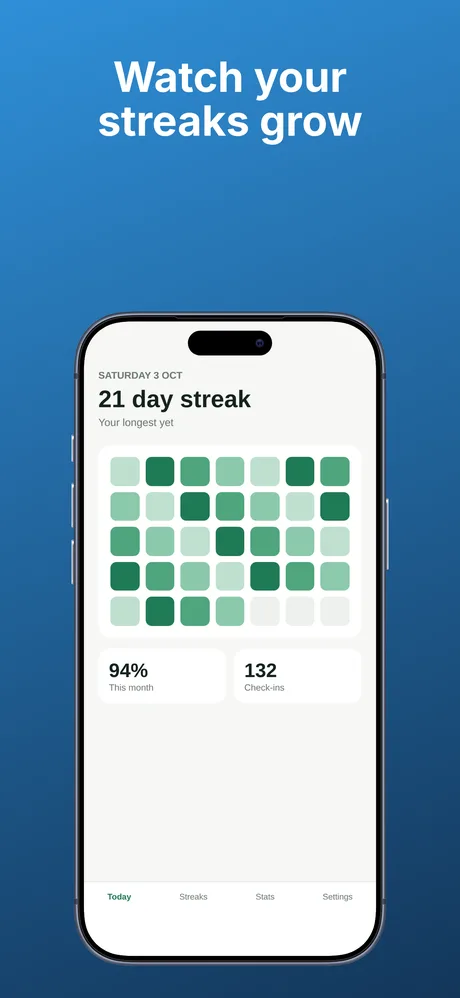
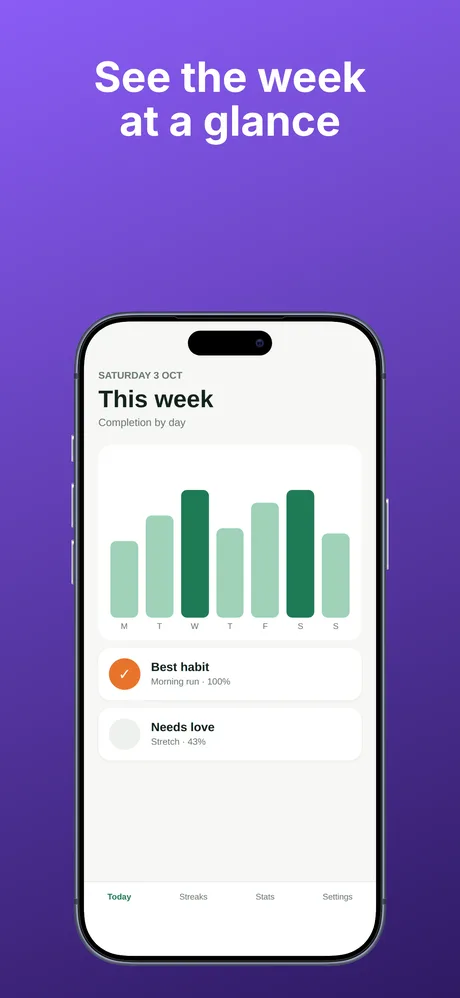
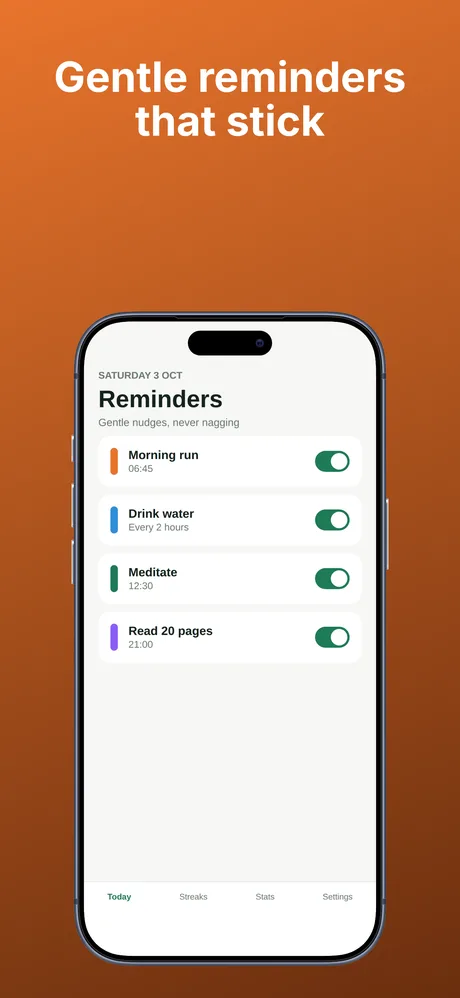
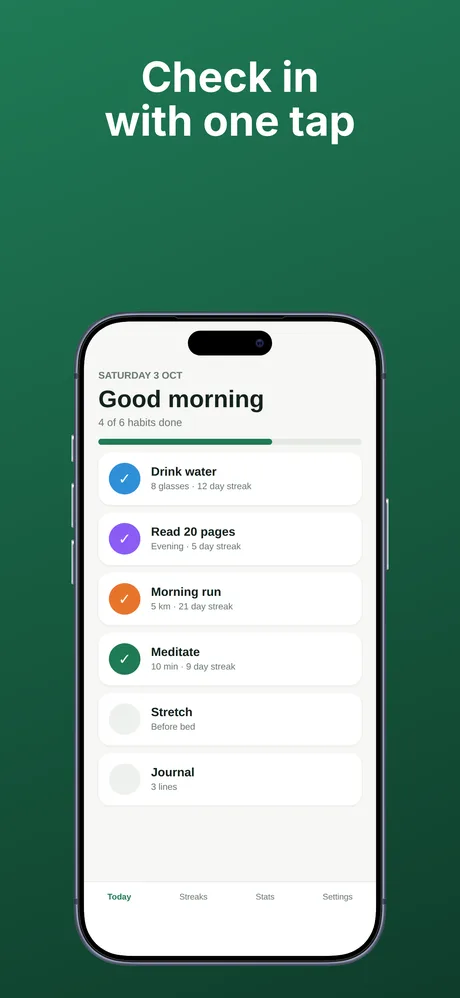
Exported App Store screenshot 1 of 4 for a habit tracker appExported App Store screenshot 2 of 4 for a habit tracker appExported App Store screenshot 3 of 4 for a habit tracker appExported App Store screenshot 4 of 4 for a habit tracker app
Store Listing02

Your store listing, in every language.

Title, subtitle, description, keywords. Written and organised for the App Store and Google Play, then pushed to App Store Connect in one click.

  • Character counters that match Apple's exact limits.
  • Localise into every market you ship to.
  • Or download a zip you can upload.
Free · no AI Optional AI draft · from 6 credits per fieldTry it free →
Listing › en-US
Title · 28/30
Subtitle · 24/30
Keywords · 84/100
endefresja+ add
Localization03

Every market, one run.

Pick your languages and Mo translates your listing, captions and screenshot text in one go. Everything lands in a review queue, not straight in the store.

  • Listing, captions and screenshot text in one pass.
  • Review queue: approve or reject per language.
  • Approved copy lands back exactly where it belongs.
AI translation · 1 credits / fieldTry it free →
Localize › 12 languages
Subtitle · de
Keywords · fr
Caption · es
de ✓fr ✓es ✓ja · in review
Reel Manager04

A content calendar anyone on your team can run.

Plan short-form reels on a calendar and get a ready-to-post kit for Instagram, TikTok, X and Reddit. Direct publishing switches on per platform once its connection is set up.

  • Calendar, cards and list views.
  • Connect an account where it is available, or copy the kit and post it yourself.
  • No save button. It just remembers.
Free · no AITry it free →
Reels › June 2026
M
T
W
T
F
S
S
26
27
1
2
3
4
5
8
9
10
11
12
13
14
Release planner05

Paste what changed, get What's New text and post ideas.

Paste your raw release notes. Mo writes a polished What's New, picks the highlights and plans a week of reels with captions, then puts them on your calendar in one click.

  • Polished What's New in your main language.
  • Reel ideas scheduled straight onto the calendar.
  • Per-platform captions, ready to edit.
AI plan · from 1 creditsTry it free →
Releases › v2.4.0
v2.4.0 · raw notes
→
What's New · polished3 reels → calendarCaptions · IG / TikTok / X

Also in the box

Reel covers on-brand by default.

1080×1920 covers from a video frame and a template. 62 templates across 7 families, in your brand colors. All free.

Templates free

From idea to AI reel.

Describe a scenario and a cast. Mo generates a reference sheet and three storyboard sheets with AI image tools, then animates a sheet into a short video clip (250 credits for 5 seconds). Failed generations are refunded automatically.

AI · from 40 credits / sheet

Reviews, answered in your voice.

Import App Store reviews (CSV or live sync), see sentiment and themes, and draft on-tone replies to paste back into App Store Connect.

Start with the free toolsNo card. Free starter credits to try the AI bits.
How it works

Three steps. Then one click.

STEP 01

Add your app

Paste your website or App Store link, or describe your app. Mo grabs the icon, drafts your listing, and learns what your app is about.

STEP 02

Build your launch kit

Screenshots, translations, reels, covers. Most of it free; the AI bits sip credits and show the price first.

STEP 03

Push it

One click sends your listing text to App Store Connect after a one-time key setup. Screenshots download as a zip you can upload.

For developers: the zip is laid out the way common upload tools expect, so you can upload it from your own build setup.

Mo, content
That's it. You relax. Mo ships it.

Hustle culture is overrated. Ship anyway.

No streaks to keep. No 5am grind. A tool capable enough that you can be lazy and still look completely professional.

Mo, relaxed
Pricing

Free to use. Credits for the clever bits.

The tool is free forever. AI features (storyboards, video, listing drafts, translations, release plans) spend credits, and every new project starts with free ones.

Free
Everything that doesn't need a robot.
€0forever
450 free credits for each of your first 3 projects
Start free
  • Screenshot, Listing & Reel tools
  • All 62 cover templates
  • Unlimited projects, each with its own plan and credits. Starter credits for your first 3
Hobby
A little AI, now and then.
€9/ month
1,000 credits / month
Choose Hobby
  • Everything in Free
  • New credits every month
FAQ

The honest answers.

Yes, for your listing text. After a one-time setup of an App Store Connect key (Issuer ID, Key ID and a .p8 private key), one click pushes your metadata to App Store Connect. Screenshots are exported ready to upload; they are not pushed for you. The export is a zip laid out for common upload tools, so you or your build setup can upload it. ShipSloth never touches your app binary.
Only if you ask us to. Direct push and review sync need an App Store Connect key or Play service account; if you connect one it's encrypted at rest, used only for those calls, and you can disconnect it anytime. Prefer zero stored credentials? Skip connections and download the zip, then upload it yourself.
Only the AI-powered work: storyboards, AI listing drafts, translations and release plans. Screenshots, the calendar, covers and the push itself are free and unlimited. Every AI action shows its cost before you run it, and failed generations are refunded automatically.
You can write your listing for both the App Store and Google Play, and one click pushes it to App Store Connect. App records are built for iOS and macOS today, but the asset tools (screenshots, reels, covers, storyboards) work for anything you're marketing.
You can invite teammates to a project, and each project has its own plan and credits. Need more seats? Drop us a line and we'll sort it out. Slowly, but we'll sort it.

Ship fast. Stay lazy.

Start free. Make your screenshots, write your listing in every language, schedule your reels, then push your listing text to the store in one click and export your screenshots ready to upload. Pushing needs a one-time App Store Connect key setup.

Mo with the Ship It button